
A SMALL SYNTHETIC CAPSULE
A fashion example, one variant per row.
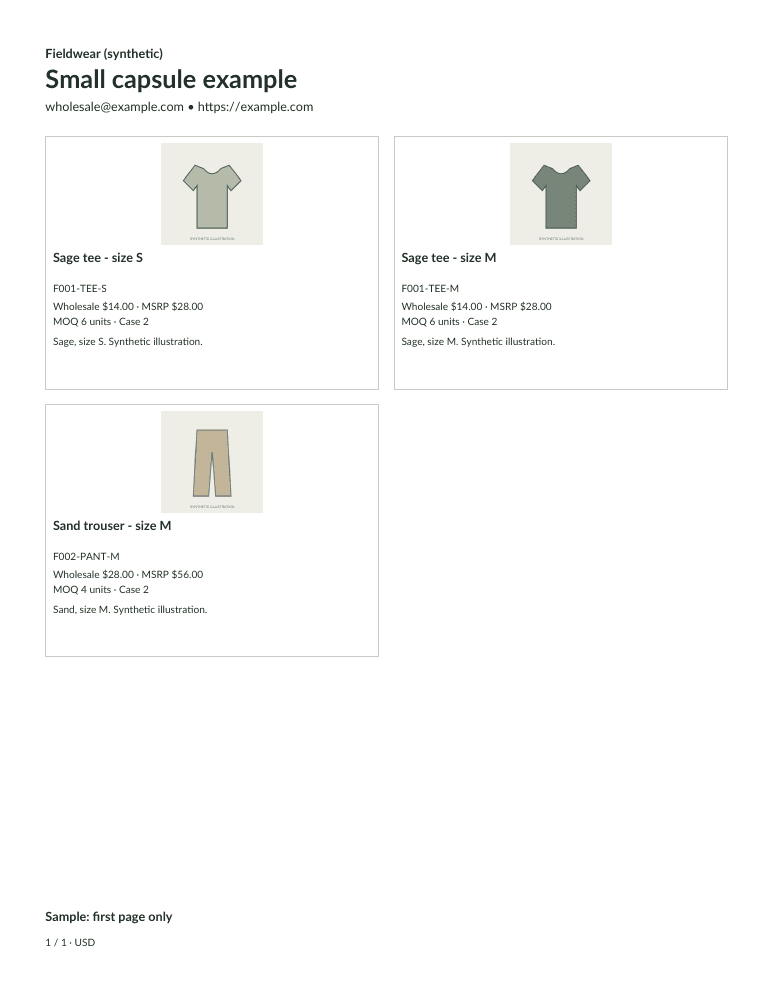
Line Sheet Tools can present a small flat list of apparel SKUs. This synthetic capsule uses two tee sizes and a trouser. Each sellable size/color combination is a separate product row; there is no size matrix, automatic variant grouping, inventory synchronization or delivery scheduling.
Try the capsule inputs
Unzip, import products.csv and confirm the columns. Select the JPEG illustrations separately in Photos. This is an ordinary input-file ZIP, not a workspace restore file. Download the CSV separately if you already have your own local images.
Count variants before selecting your assortment
| SKU | Variant | Wholesale / MSRP |
|---|---|---|
| F001-TEE-S | Sage tee, S | $14 / $28 |
| F001-TEE-M | Sage tee, M | $14 / $28 |
| F002-PANT-M | Sand trouser, M | $28 / $56 |
A style offered in four sizes and three colors has 12 sellable combinations if every combination is stocked. That would use 12 of the 24 selected-product positions when entered separately. Do not duplicate the same SKU across sizes to make them look like one product.
The fixture’s tee MOQ is 6 units with case pack 2; the trouser MOQ is 4 with case pack 2. These are synthetic policies, not apparel-industry recommendations. Choose your real per-variant units and use concise verified fit/material descriptions.
Use another workflow for a size matrix
If a buyer needs a single style row with editable quantities across sizes, this template does not finish that job. Its order form has one blank quantity per SKU and no submitted orders. Inventory-connected catalogs and fashion production systems solve different tasks.
For a small capsule, review the marked preview and save a local backup. The personalized first line-sheet page is free; clean full packs require the existing $9.99/month paid active plan. Prices and variants do not update automatically after a PDF is downloaded. Choose the right document workflow before using it for a larger range.