
THE RIGHT PHOTO. THE RIGHT PRODUCT.
Make every photo match its SKU.
Select product photos separately from your spreadsheet. Line Sheet Tools accepts local JPEG, PNG and WebP files, proposes filename matches and asks you to resolve ambiguity. Spreadsheet image URLs and filesystem paths are hints; the app never fetches those files for you.
Use a predictable filename
An exact SKU filename stem can suggest a match. If image_filename contains bowl-front.jpg, select that exact local filename. Do not assume any filename containing “bowl” will match. Two candidates for one product, or duplicate candidates, require a manual choice.
| Source hint | Selected file | Action |
|---|---|---|
| 001-BWL | 001-BWL.jpg | Review suggested stem match |
| bowl-front.jpg | bowl-front.jpg | Review exact filename match |
| https://example.com/bowl.jpg | None | Select a local file; URL is not fetched |
Check the contained image, not only its filename
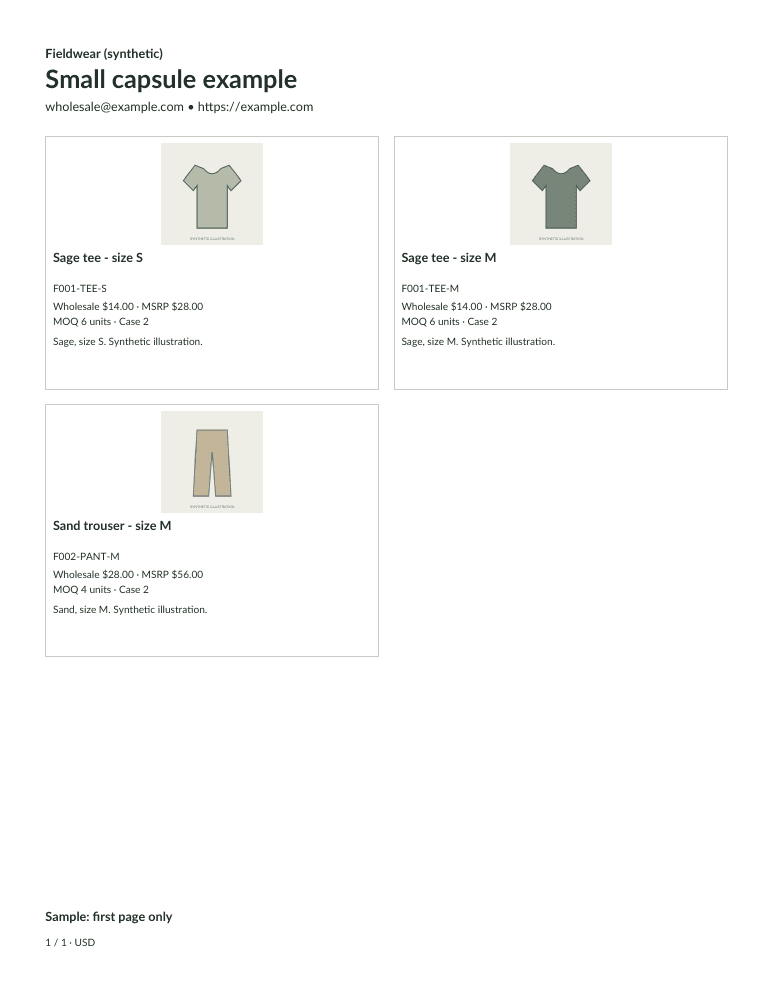
Static images normalize to resized, metadata-free JPEG derivatives. Orientation is applied once; transparent areas become white. The PDF contains the image without stretching it to fill the card, so margins can appear around a tall or wide product photo.
Check the actual preview for wrong orientation, an incorrect variant, a small product on a large background or unreadable details. One photo belongs to each selected product. The app does not retouch photos or build multiple-photo lifestyle layouts. Missing photos require acknowledgment of a labeled placeholder before output.
Know what is saved and uploaded
The browser uses accepted derivatives for the local draft where device storage permits. Original photos are not saved by the app. Workspace JSON preserves the catalog without photo bytes; assortment ZIP preserves selected products and normalized derivatives.
Only selected resized copies upload privately after sign-in and the paid-preparation disclosure. Your full raw catalog and original images are not uploaded. Paid access and retention checks protect purchased downloads. Read the complete data handling policy.
Download synthetic photo inputs to practice matching. Unzip them first and select the JPEG files separately; that input ZIP is not a saved app workspace.